Abstract
Tayasui Sketches still has beloved brushes and a huge installed base, but recent reviews repeatedly complain that drawings disappear, exports fail, old purchases are not honored cleanly, and previously free tools now feel trapped behind subscription prompts.
Background
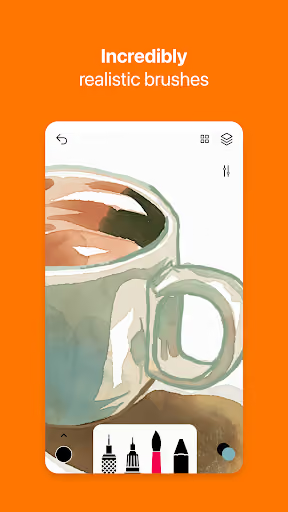
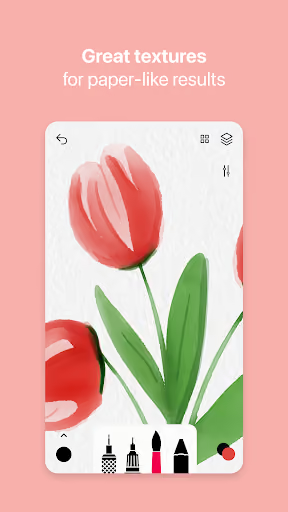
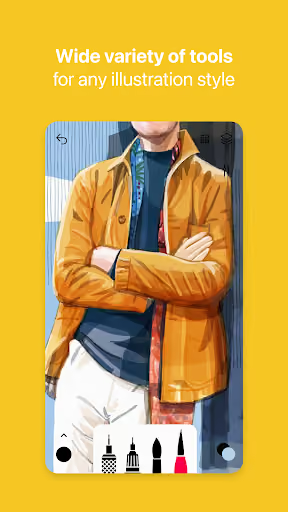
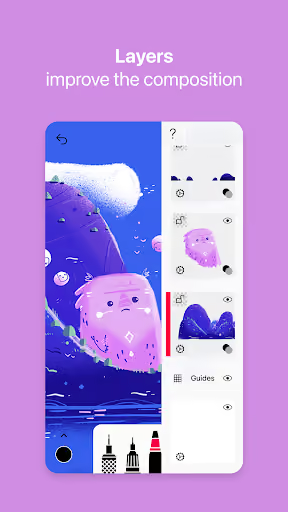
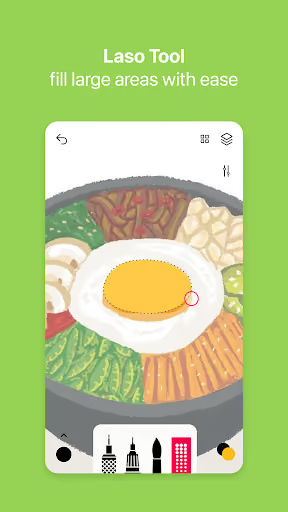
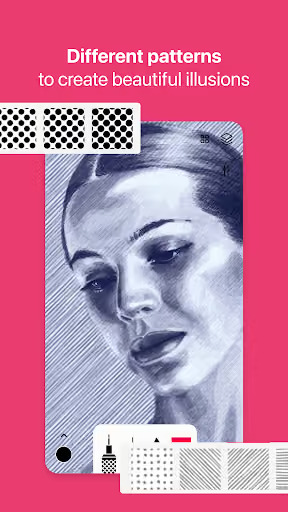
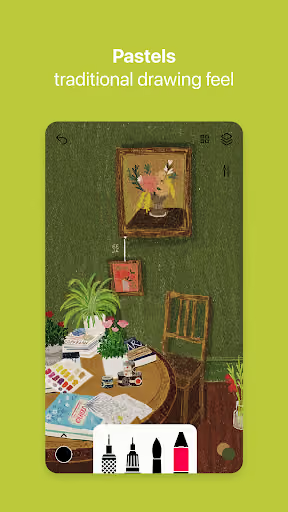
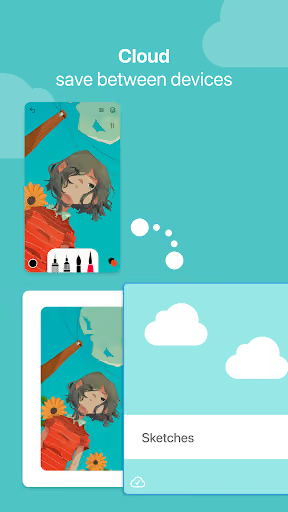
Tayasui Sketches is a free Android drawing app with Pro options, a 3.8★ lifetime rating, and 10,390,653 installs as of 2026-08-05. Its Play Store positioning is realistic brushes, layers, photo import, watercolor, brush editing, export, and stylus support.
What it does
A minimalist sketching and painting app focused on realistic tools, watercolor feel, layers, and stylus-friendly drawing.
What changed
Reviews describe a mix of instability, disappearing work, premium prompts interrupting drawings, export problems, and frustration with subscription access or restored purchases.
Why it is soft
Artists tolerate fewer brushes more than lost work. A smaller, more reliable sketchbook can win trust if it is honest about limits and never risks the canvas.
Strengths
This is not a weak incumbent: even angry reviewers praise the UI, canvas texture, smooth drawing, watercolor behavior, and brush feel. A competitor should not pretend it can beat Tayasui on polish immediately; the wedge is reliability, purchase fairness, and a calmer free tier.
Brush feel
Multiple negative reviews still call the brushes realistic, smooth, incredible, or worth paying for, especially watercolor.
Habit base
Several reviewers say they used it for years or considered it their main drawing app, which means switching pain is real.
Simple interface
The minimalist interface remains a strength; users are not asking for a giant professional suite first.
Market gap
The complaints cluster around trust-breaking failures more than missing advanced art features. The strongest opening is not “more powerful than Sketches”; it is “your drawing will still be there tomorrow.”
Work disappears
The most common complaint is drawings, layers, or whole files vanishing after saving, switching apps, opening a canvas, hitting export, or accidentally touching a premium tool.
Paywall backlash
Reviewers object to subscriptions for an offline drawing app, free tools becoming premium, layer limits, and basic actions feeling blocked.
Purchase restore friction
A smaller but commercially serious cluster says prior lifetime or Pro purchases are not detected unless restored repeatedly, or are no longer honored as expected.
Export and layer instability
Export, layer visibility, layer deletion, canvas cropping, toolbar disappearance, and pressure behavior appear as recurring practical failures.
READ CURRENT REVIEWS and don't waste your time or money. What was once relatively stable, is now critically unstable. Great UI design, fantastic watercolor brush feel, but ultimately useless for anything but simple, low-layer count, rough sketches. Why? Big file corruption issues that have not been fixed. What good is a nice UI if a simple save could destroy all your work? Support is all automated and useless. Too bad. Don't waste your time.
I URGE you to read this before you consider paying for a subscription. Years ago, this app was one of few of it's kind, with plenty of good features but ideally more would be nice, you could purchase all of them with a one time purchase, £11.99 or something near. IF YOU DO NOT RUN SERVERS FOR AN OFFLINE APP, WHY DO I NEED TO PAY FOR A SUBSCRIPTION? I understand the need to make money, sure paywall other features but AT LEAST make it a single time purchase, Tayasui Sketches are being greedy.
- Make autosave the product. Use local versioned saves, recovery snapshots, and explicit export status before adding fancy brushes.
- Sell a one-time Pro unlock. The reviews punish subscriptions and lost lifetime access; a simple permanent unlock is the clearest contrast.
- Ship fewer tools, but keep basics free. Pencil, eraser, fill, lasso or move, basic layers, and export should not feel like traps for casual sketchers.
Build complexity
Estimated, not derived: one part-time solo developer, no funding, no team, and no paid acquisition. This assumes a narrow v1: Android-only, offline-first, reliable canvas, basic layers, pressure-aware brushes, export, and one-time billing — not a full Procreate-class art suite.
| Workstream | Weeks |
|---|---|
| Canvas engine, gestures, stylus input | 4 |
| Brush set: pencil, ink, eraser, fill, simple watercolor-like brush | 3 |
| Layers, undo/redo, move/crop basics | 3 |
| Versioned autosave, recovery, local file format | 2 |
| Export, gallery, import image, QA on tablets/phones | 2 |
| Play listing, one-time unlock, onboarding | 2 |
| Total | 16 |
Expected revenue
Estimated, not derived: month-12 revenue assumes no paid acquisition, organic Play Store discovery from users searching for a stable sketch app, and a $7.99 one-time Pro unlock. The table shows gross monthly sales from new buyers in month 12, not subscription MRR.
| Month 12 funnel | Users | Assumption |
|---|---|---|
| Installs | 3,000 | Organic monthly installs |
| Activated | 1,500 | Opened and made a sketch |
| Retained | 750 | Still using after first sessions |
| Paid | 225 | Bought one-time Pro |
| Revenue | $1,800 | 225 × $7.99, rounded |
Biggest challenges
The hardest part is not listing the features; it is shipping a drawing engine that feels good enough while proving reliability with almost no brand trust. Artists who just lost work will not forgive your first corruption bug.
Canvas quality
A bad brush feel kills retention before users notice your safer autosave.
Device fragmentation
Phones, tablets, styluses, pressure support, memory limits, and backgrounding behavior all affect the exact failures users complain about.
Cold-start trust
A new app promising “won’t delete your art” needs reviews, visible recovery UX, and probably a public changelog to feel credible.
AI angle
There is no strong AI core here. AI can help with brush-texture experiments, test-case generation, listing copy, and maybe optional reference-image tools later, but it does not materially solve the hard parts: low-latency drawing, undo/layers correctness, Android lifecycle bugs, and trustworthy local saves.
Useful AI assist
Generate QA checklists, synthetic crash scenarios, onboarding copy, and optional reference prompts faster than writing everything by hand.
Not a moat
Users are not asking for AI art generation; they are asking for their own drawings to stop disappearing.
Conclusion
Build it cautiously. The gap is real and emotionally charged, but a solo developer should build a narrow, crash-safe sketchbook rather than try to clone all of Sketches. If you can make saving boringly reliable, the one-time unlock positioning is credible.
16 weeks
Time to v1
$7.99
One-time Pro unlock
$1,800
Revenue at month 12
Lost art
Deciding complaint