Abstract
FlipArtify has real demand and a visible opening: users like the idea of a simple animation app, but the reviews repeatedly describe ads covering the workspace, a tiny frame cap, lost progress, lag, and missing basic drawing controls. A solo builder should not try to build a professional animation suite; the opportunity is a narrower, calmer flipbook app for beginners that never interrupts drawing.
Background
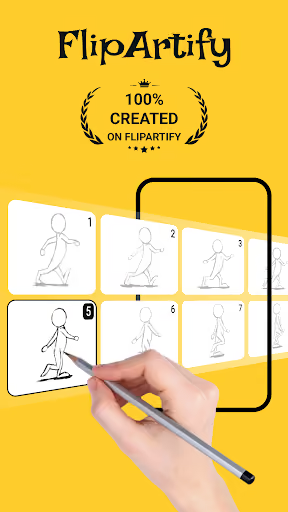
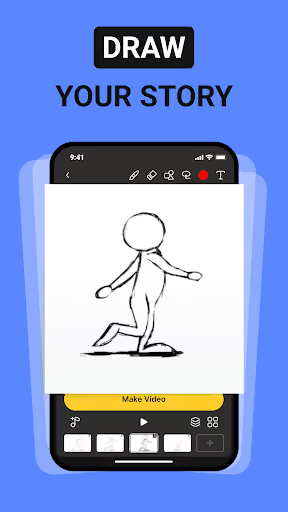
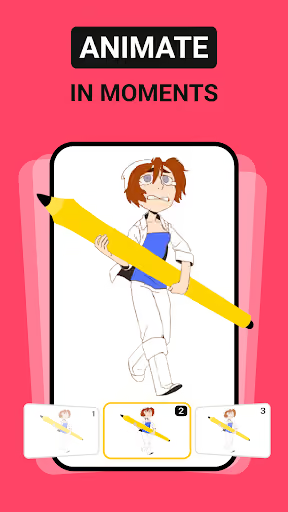
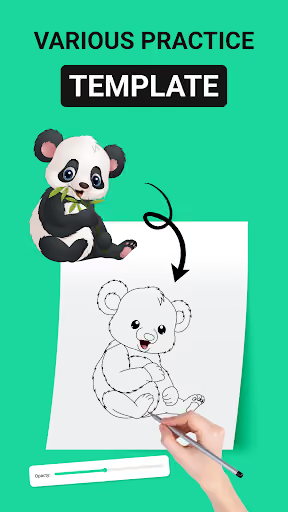
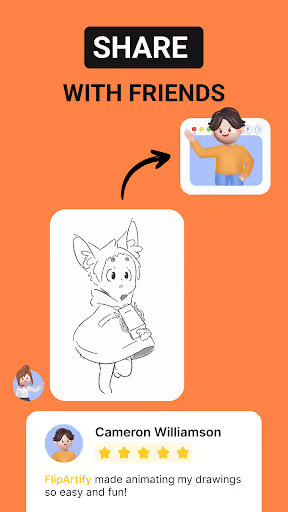
FlipArtify - 2D Draw Animation is a free Android app for drawing flipbooks, making simple 2D animations, and exporting GIF or MP4 files. It has 4,331,868 installs and a 2.9★ lifetime rating, which means the category is proven but the current experience is weak.
What it does
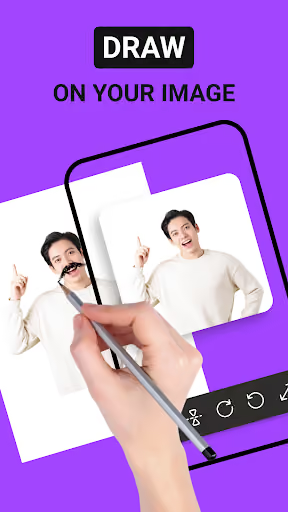
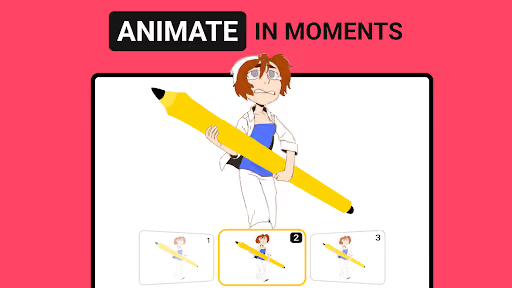
Beginner-friendly drawing, frame-by-frame animation, flipbook creation, and GIF/MP4 export.
What changed
The reviews describe an app dominated by pop-up ads, bottom ads, ad breaks, and a free-frame limit that blocks animation almost immediately.
Why it is soft
The core promise is simple, but the incumbent appears to be monetizing before users can finish even a tiny project.
Strengths
This is not a dead product idea. Several reviewers still call it easy, fun, good-looking, or close to useful; the issue is that they cannot reach the good part through the ads and glitches. A competitor must respect that FlipArtify has already educated millions of users on the format.
Simple concept works
Positive reviews praise easy tools, a real flipbook feel, and animations that come to life.
Large installed demand
4,331,868 installs prove people search for lightweight animation tools on Android.
Complaint is fixable
The strongest anger is about interruption, saving, and limits — not about needing a studio-grade feature set.
Market gap
The complaints group into four practical clusters. The most common complaint is not subtle: ads interrupt the drawing flow so aggressively that users say they cannot animate at all.
Ads block creation
Reviewers describe pop-ups, bottom banners, ad breaks, unclosable ads, and ads covering important UI while drawing.
Frame cap feels hostile
Multiple users say they hit a four-frame limit or must watch ads to add frames, which breaks the basic flipbook use case.
Progress is unsafe
A recurring reliability complaint is that animations disappear after crashes, app switches, misclicks, or device sleep.
Basic tools are thin
Some reviewers want brush size, better zoom, canvas sizing, color controls, and smoother drawing before anything advanced.
please do not download it, it's ad OBSESSED after three slides you have to watch an ad or buy more slide the ad has 3 separate advertisements in it and if you leave I does not say🙁! adds keep popping up on the bottom and if you misclick them it takes you to the website and boom your animation has disappeared!
Unusable. The pen tool was far too spaced out for an actual animation project, The frames were locked at a grand total of 4 frames before you have to pay money for them (what can you even do in 4 frames???) and the ads are horrible, covering up a good chunk of the screen, including the important parts of the UI, The ads also come in every 5 seconds (I counted.) and in between pages, They also have ad "breaks" so you can watch MORE ads. I really wanted this to be a positive review, too.
in the middle of drawing, it restarts the entire animation when you turn off your phone, board and tablet. this is so annoying. Fix this problem and code it to do auto save for every animation. And there is too many ads per minute (7 ads per 2 to 5 minutes) and the ads are so hard to skip and are so annoying. JUST ADD LESS ADS INSTEAD OF SO MANY. When you try to enter an animation and try to remaks it, you would go through 4-7 ads less than a minute. and the game should need no wifi to use.
- Never show ads while drawing. If there is a free tier, keep monetization to export, templates, or an optional upgrade screen — not the canvas.
- Make autosave and generous frames the wedge. A beginner flipbook app that safely saves local projects and permits real-length tests immediately closes the loudest functional gap.
- Ship fewer tools, but make them reliable. Brush size, color, zoom, canvas movement, playback, and export matter more than claiming professional animation breadth.
Build complexity
Estimated, not derived: one part-time solo developer, no funding, no team, and no paid acquisition. This is for a narrow Android v1, not a full Flipaclip-class animation studio.
| Workstream | Weeks |
|---|---|
| Drawing canvas, brush size, colors, eraser, undo | 2.0 |
| Frame timeline, playback, duplicate/reorder/delete | 2.0 |
| Autosave, local project storage, crash recovery | 1.5 |
| GIF/MP4 export and share flow | 1.5 |
| Billing, free tier limits, no-ad UX, Play listing | 1.0 |
| Device QA for phones, tablets, stylus, performance | 2.0 |
| Total | 10.0 |
Expected revenue
Estimated, not derived: assume a generous free app with no drawing-time ads, plus a $2.99/month upgrade for unlimited export, no watermark, and larger projects. The funnel below is a realistic month-12 solo-builder target without paid acquisition.
| Month 12 funnel | Users | Assumption |
|---|---|---|
| Installs reached by month 12 | 18,000 | Organic search, reviews, creator posts |
| Activated | 7,000 | Created a first project |
| Retained | 2,400 | Still active after the first project |
| Paid | 600 | $2.99/month |
| Revenue | $1,800 | Rounded monthly recurring revenue |
Biggest challenges
The hard part is not identifying the missing product; it is shipping a drawing app that feels smooth on messy Android hardware while starting with zero store trust in a category where users already name alternatives.
Canvas performance
Lag, zoom, stylus input, undo, and frame previews must feel instant, or the app will inherit the same complaints.
Export reliability
GIF and MP4 export across devices is easy to underestimate and painful to debug alone.
Kid-heavy monetization
The reviews read young; subscriptions, ads, and Play policy choices need extra care.
Cold-start discovery
The incumbent has millions of installs; a solo app has to win with clearer positioning and early reviews.
AI angle
There is no essential AI angle here. The market gap is ads, autosave, frames, and basic drawing reliability, not image generation. AI-assisted tweening or prompt-to-animation could become a premium experiment later, but adding it to v1 would distract from the broken basics users are actually complaining about.
Use AI cautiously
It may help with marketing copy, support triage, or optional idea prompts, but it does not reduce the core drawing-engine work enough to change the estimate.
Do not lead with AI
The stronger differentiator is trust: no canvas ads, safe saving, and a simple toolset that works.
Conclusion
Build it. But build the smallest honest version: an ad-light beginner flipbook animator, not a professional studio. The gap is obvious and the install demand is proven, yet revenue will likely be modest because the audience is price-sensitive and organic discovery is slow.
10 weeks
Time to v1
$2.99/mo
Ad-free upgrade
$1,800
Month-12 MRR
Ads on canvas
Deciding complaint