Abstract
HiPaint has real Android-artist pull, but the reviews expose a sharper gap than “more brushes”: users want a stable, privacy-respecting, one-time-purchase drawing app that does not lose work or block the canvas behind ads.
Background
HiPaint: Sketch, Draw & Paint is a free Android drawing, painting, image-editing, and animation app with a current lifetime rating of 4.3★ and 5,274,264 installs as of 2026-08-03.
What it does
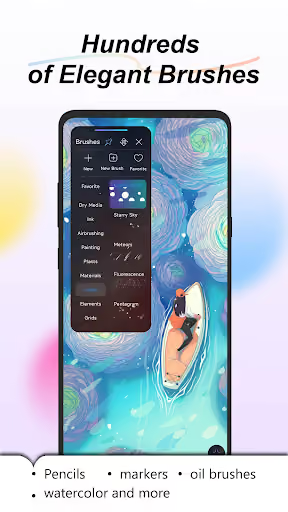
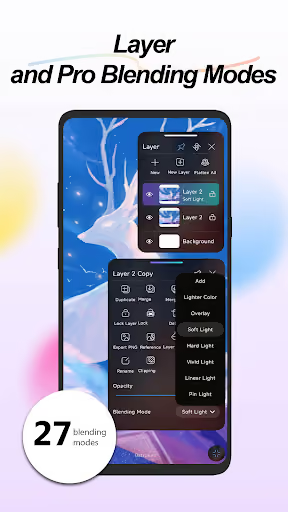
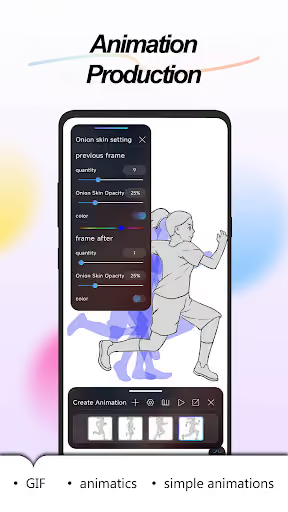
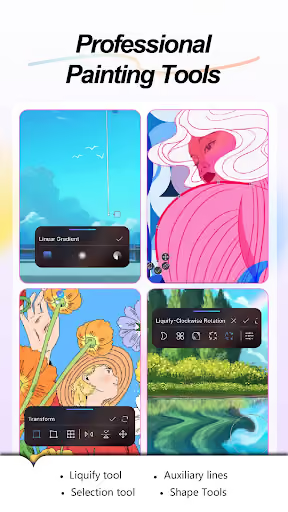
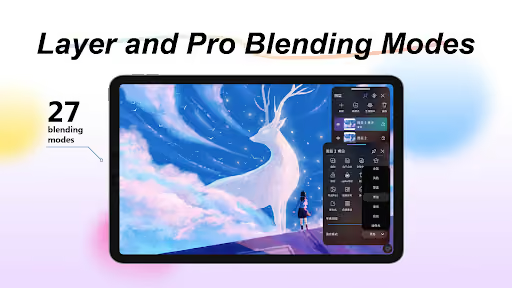
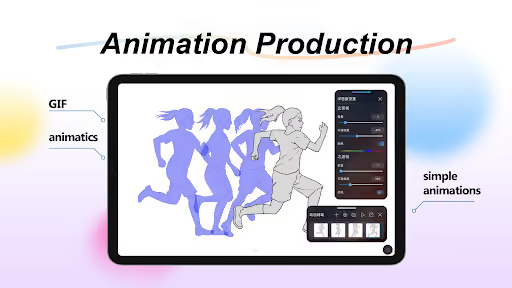
A Procreate-like mobile art studio: brushes, layers, blend modes, liquify, selection tools, PSD/HSD export, playback, and frame-by-frame animation.
What changed
Recent reviewers complain about subscription-only access, intrusive ads, location/personal-data permission prompts, and update-related bugs that damage or erase work.
Why it is soft
The angry users still like the underlying product. That creates a wedge for a smaller competitor that promises reliability, offline use, and a one-time unlock instead of feature sprawl.
Strengths
This is not a weak incumbent. Positive reviewers repeatedly praise the clean UI, free core feature set, Procreate-like feel on Android, useful brushes, folders, stabilizer, tablet/stylus support, and animation tools.
Real habit
With 5,274,264 installs, HiPaint has already trained a large group of Android artists on its workflow; a solo competitor starts with none of that store trust.
Broad tool depth
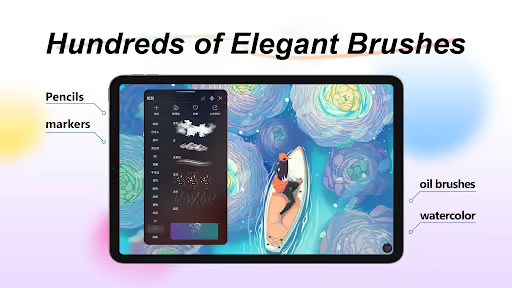
The advertised scope includes over 100 brushes, layer groups, 28 blend modes, CMYK, liquify, filters, PSD/HSD export, and animation assist — a lot to match.
Users still recommend it
Even several lower-rated reviews say the app is good when it opens and does not glitch, which means the gap is trust and reliability more than basic product-market fit.
Market gap
The complaints cluster around trust-breaking execution, not lack of artistic ambition. A competitor should resist building a full clone and instead own the reliable-sketchbook wedge.
Work loss and canvas bugs
The most damaging cluster: drawings, layers, selections, erasers, brush strokes, and playback can glitch, disappear, duplicate, or fail to undo after updates or longer sessions.
Ads and permissions
A visible group complains that ads block startup, open Play Store links, cause crashes, or combine with location and personal-data prompts that feel wrong for an art app.
Subscription backlash
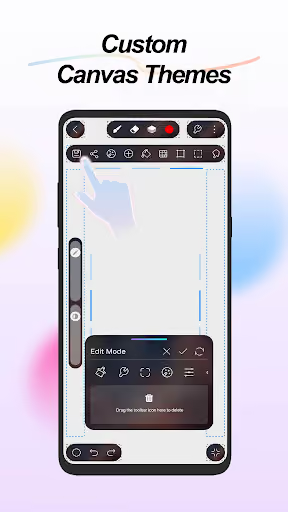
Several reviewers specifically miss one-time purchases and object to subscriptions for layout customization, premium features, or basic-feeling export workflows.
Animation and export gaps
A smaller but actionable group asks for animation audio, tweening, per-frame layers, reliable GIF/speedpaint export, and better playback recording.
App went Subscription only. You used to be able to purchase the premium features indivdually, which was a great option for people who only want specific features, or for those who can't afford a MONTHLY PAYMENT TO USE A DRAWING APPLICATION. It's a real shame, because HiPaint is a really good drawing app, but I just can't suggest people use an app by developers who don't respect their users.
Serves ads with skip buttons that are too small to tap without accidentally opening the ad link + decoy buttons that don't actually skip/close the ad and just open a link. Both the old and new UI do not work on a Pixel 10 Pro, as the tool selection bar is covered by the front camera. The most egregious issue is that the app requires "exact location" permission and boots you out of the app if you don't grant it ("approximate location" doesn't work). No thanks!
a new bug has been happening after the new update where all of the things I draw on the canvas dissapears without a trace- whilst drawing - with me not being able to recover anything. I uninstalled and reinstalled the app but the glitch still occurs. The app is unusable as I literally can't paint. I'm using a H430P Huion connected to an android tablet. I'm leaving a one star in hopes that devs will see and fix this issue, cause otherwise it is my go to drawing program.
- Ship boring reliability first. Autosave, undo integrity, crash recovery, and layer safety are more valuable here than another hundred brushes.
- Sell a one-time unlock. The commercial wedge is “no subscription, no startup ads, no unnecessary location prompt,” even if the free tier is smaller.
- Narrow the canvas to sketching plus simple animation. Do not try to out-HiPaint HiPaint on launch; cover brushes, layers, export, and lightweight frame animation before advanced filters and PSD parity.
Build complexity
Estimated, not derived: one part-time solo developer, no funding, no team, and no paid acquisition. This is a narrow v1, not a full professional art-suite clone.
| Workstream | Weeks |
|---|---|
| Canvas engine, touch, stylus pressure, zoom/pan | 5 |
| Layers, undo stack, autosave, crash recovery | 4 |
| Core brushes, eraser, fill, color picker, stabilization | 3 |
| Gallery, PNG/JPG export, basic time-lapse export | 2 |
| Simple frame animation and GIF export | 2 |
| One-time billing, Play listing, device QA | 2 |
| Total | 18 |
Expected revenue
Estimated, not derived: pricing assumes a free app with a $14.99 one-time Pro unlock for higher layer limits, export options, and no watermark. Month-12 revenue is monthly sales revenue, not subscription MRR.
| Month 12 funnel | Estimate | Assumption |
|---|---|---|
| Installs | 1,800 | Organic only |
| Activated | 720 | Opened canvas and saved art |
| Still on at 30d | 430 | Reliability wedge retains serious users |
| Paid | 160 | One-time unlock buyers |
| Revenue | $2,400 | 160 × $14.99, rounded |
Biggest challenges
The hard part is not spotting the gap; it is earning artist trust in a technically unforgiving category where one lost layer can create a one-star review.
Drawing-engine quality
Low-latency strokes, anti-aliasing, pressure, palm rejection, rotation, and large canvases are hard to get right across Android tablets, phones, pens, and external drawing tablets.
Cold-start credibility
HiPaint has millions of installs and many enthusiastic reviews; a new app must prove it will not lose work before artists risk serious pieces.
Scope creep trap
Reviews ask for audio, tweening, PSD import, brush marketplaces, liquify fixes, filters, AI protection, and more. A solo builder who says yes to all of it will never ship.
AI angle
There is no strong AI angle for the core opportunity. The gap is deterministic drawing reliability, file safety, pricing, ads, and permissions; AI will not replace a solid canvas engine.
Useful but secondary
AI could help generate in-app tutorials, classify support logs, or draft brush presets, but those do not solve the reviews that make users leave.
Do not overpromise
A reviewer mentions an AI-disturbance feature like Ibis Paint, but building robust artwork-protection is not necessary for v1 and should not change the 18-week or $2,400/month estimate.
Conclusion
Skip it. Build a small reliable sketchbook only if you personally understand graphics programming; otherwise, a part-time solo developer is walking into a mature, performance-sensitive category with modest upside.
18 weeks
Time to v1
$14.99
One-time unlock, no subscription
$2,400
Month-12 revenue
100+ brushes
Incumbent scope to resist cloning