Abstract
The user pain is real: reviewers complain about battery drain, background GPS, crashes, broken scanning, buried workflows, login failures, forced permissions, and unwanted AI. But MyWalmart is an internal Walmart work app, so a solo developer cannot realistically replace the valuable parts: clock-in, schedules, punches, team rosters, inventory, digital keys, and store systems.
Background
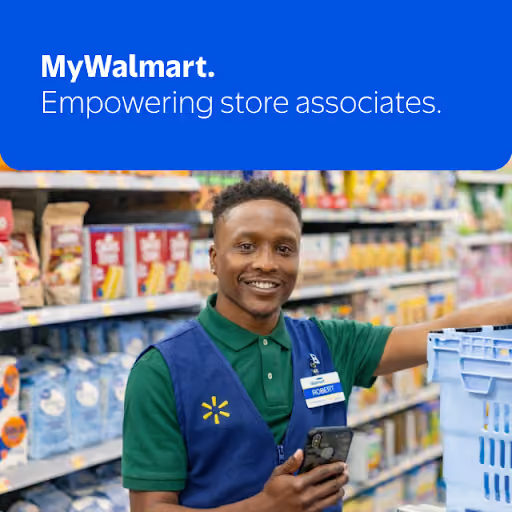
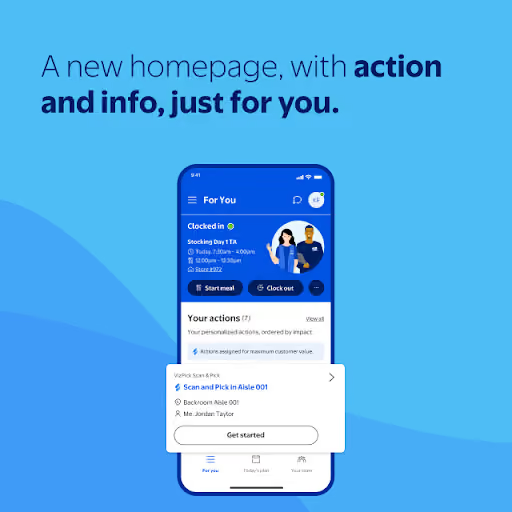
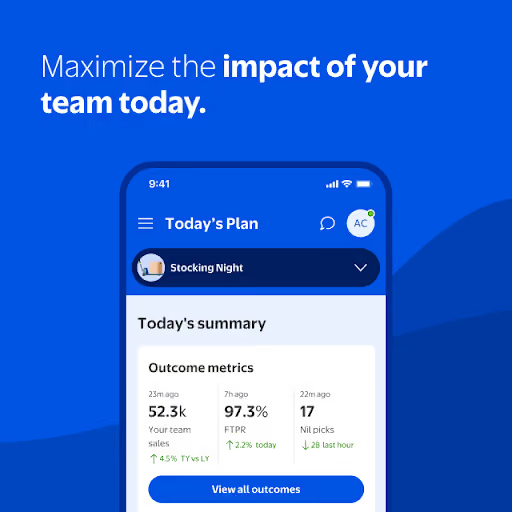
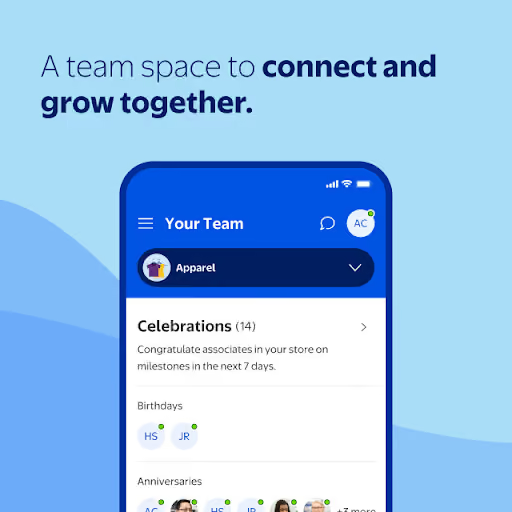
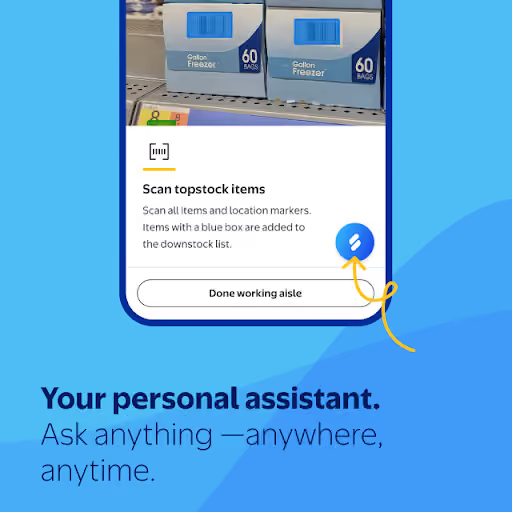
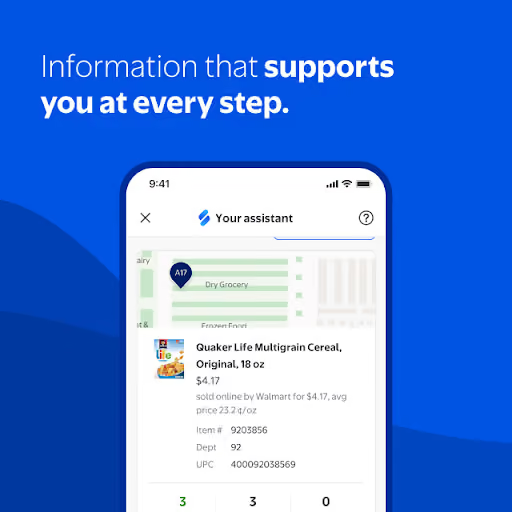
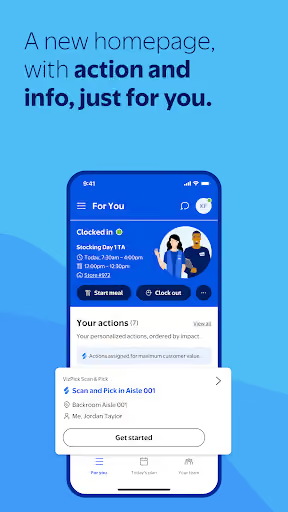
MyWalmart is Walmart’s associate app. The listing says it helps store associates manage schedules, time off, shift swaps, real-time tasks, team information, calls, and an assistant. It is free, has a current lifetime average of 4.5★, and lists 4,073,907 installs as of 2026-08-03.
What it does
It connects associates to core work functions: schedule, time off, clocking, scanning, tasks, team information, calls, and in-store tools.
What changed
Recent reviews describe a new app experience or update that made common workflows slower, more hidden, more battery-hungry, and more dependent on background services.
Why it is soft
Employees are angry, but not free to switch: the app’s value comes from private Walmart systems a solo competitor cannot access.
Strengths
This is not a weak incumbent in the normal consumer-app sense. MyWalmart is still the official path to work-critical data and actions, and several negative reviews make clear they keep using it because their job expects it. A new entrant would start with no official trust, no internal integration, and no employer mandate.
Official system access
Schedules, punches, team rosters, store tasks, item tools, and digital keys depend on Walmart-controlled systems.
Forced habit
Reviewers describe the app as necessary, expected for work, or nearly required, which keeps usage even when satisfaction is low.
Huge installed base
The listed install base is large, but it belongs to Walmart’s internal workflow rather than to a market a solo builder can easily capture.
Market gap
The gap is obvious from the complaints, but it is mostly a usability and performance gap inside a closed enterprise system, not a clean indie-app replacement opportunity.
Battery, heat, GPS, background use
The loudest recurring complaint is battery drain from background activity, location use, notifications, camera behavior, and phones heating up during shifts.
Reliability at work
Reviewers describe crashes, repeated logins, black camera screens, failed scans, clock-in location errors, slow loading, and broken schedule or time-off screens.
Bloat, AI, and permissions
Users complain that common actions are buried, Sidekick or AI gets in the way, call and microphone prompts are unwanted, and pop-ups interrupt work.
Lost access and off-clock visibility
Some reviewers miss seeing team schedules, full schedules, store metrics, or useful information from a personal phone or while off the clock.
Notifications can NOT be deleted! WHY? It will NOT allow me to remove or swipe away any notifications from this app. Especially the one that says it's working in the background. I've tried turning off notifications BUT then it will NOT allow me to use the Time Clock! (stupid) This is EXTREMELY ANNOYING! I don't want notifications from this app sitting on my cell phone screen permanently so PLEASE FIX THIS ASAP! We shouldn't be forced to keep notifications turn on!
Updating my review, as the app battery draining issue is STILL present, and has been for 6 months or more. I should not go from 100%-70% battery just tagging a small pallet of backstock. My store will not provide me with a work phone and I am concerned how much damage is being done to my expensive personal phone's battery, having it drain like this daily. It uses so much that my phone wants me to put it into deep sleep to stop it from using so many resources. This needs to be fixed.
Since the new update, tasks that used to be single step are now multi step and harder to find. It's now so slow that customers awkwardly stare at me waiting several minutes for the app to actually load anything. Also, it still constantly asks for microphone permission which this app will NEVER get on my personal property
- Do not build a full replacement without official access. The biggest pain is inside private Walmart workflows; cloning the UI without schedules, clocking, inventory, or keys would disappoint users.
- If you build, make it a battery-safe companion. Manual schedule notes, reminders, checklists, and troubleshooting guides address the battery and workflow complaints without pretending to replace Walmart systems.
- Lead with privacy and no background tracking. The reviews are especially sensitive to GPS, microphone prompts, permanent notifications, and heat, so the alternative must be boring, local-first, and transparent.
Build complexity
Estimated, not derived: one part-time solo developer, no funding, no team, and no paid acquisition. A real MyWalmart competitor is not buildable without Walmart integration, so this table estimates only a narrow companion app that avoids private systems.
| Workstream | Weeks |
|---|---|
| Android app shell, onboarding, and non-affiliation disclaimers | 1.5 |
| Manual schedule, reminders, notes, and shift checklist | 2.0 |
| Battery, permission, and troubleshooting guidance | 2.0 |
| Quick links, saved instructions, and local-first storage | 1.5 |
| Billing, Play listing, support, and policy review | 1.5 |
| QA across Android versions and store-launch polish | 1.5 |
| Total | 10.0 |
Expected revenue
Estimated, not derived: the realistic product is a $1.99/month companion, not a full work app. Conversion should be weak because associates are being asked to pay for a workaround to an employer tool, and organic discovery is limited without paid acquisition.
| Month 12, monthly | Estimate | Assumption |
|---|---|---|
| Installs | 1,000 | Organic only |
| Activated | 500 | Manual setup completed |
| Retained | 250 | Still useful after first month |
| Paid | 150 | $1.99/month |
| Revenue | $300 | Rounded MRR |
Biggest challenges
The hard part is not app development; it is that the useful data and actions are locked behind Walmart identity, workplace policy, store systems, location rules, and internal APIs. A solo builder also has to avoid looking like an unofficial Walmart login app, which creates trust, trademark, and Play review risk.
No official API
Without authorized access, you cannot safely provide clock-in, schedules, punches, team rosters, inventory, or digital keys.
Trust and affiliation risk
The target users are employees handling work credentials, so an unofficial app must be extremely clear that it is not Walmart and does not collect credentials.
Low willingness to pay
Many users are upset because the employer app harms their personal phones; that does not mean they want another paid app for work.
AI angle
There is no strong AI angle here. The reviews repeatedly complain that AI, Sidekick, or conversational search gets in the way of simple work tasks. For this opportunity, AI would not unlock the blocked Walmart integrations, and adding it could make the product feel more bloated, less private, and less battery-safe.
What users ask for
Faster scans, fewer menus, less background activity, reliable clocking, stable login, and no unwanted microphone or location behavior.
What AI does not solve
AI cannot legally or technically replace Walmart’s private schedule, time clock, inventory, roster, or digital-key systems.
Conclusion
Skip it. The market gap is loud, but the app is an internal enterprise tool, not a normal consumer incumbent. A solo builder can ship a small companion in 10 weeks and maybe reach $300/month, but cannot build the replacement users actually need.
10 weeks
Time to v1
$1.99/mo
Companion subscription
$300
Month-12 revenue
No official API
Fact that decided it