Abstract
ADP Mobile Solutions has a very real reliability gap: reviewers complain about broken biometric login, repeated password resets, blank pay data, failed payslip downloads, and quick-clock punches that do not sync. But a solo builder cannot replace ADP inside an employer’s payroll stack, so the realistic product is a defensive employee-side companion, not a true ADP competitor.
Background
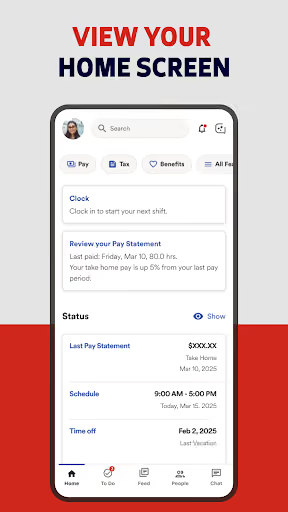
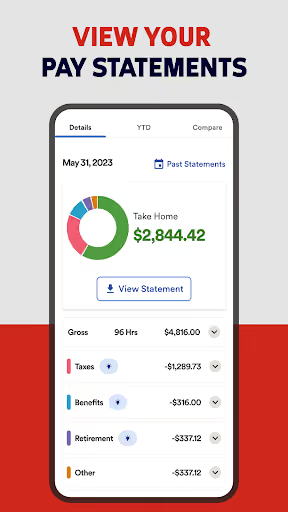
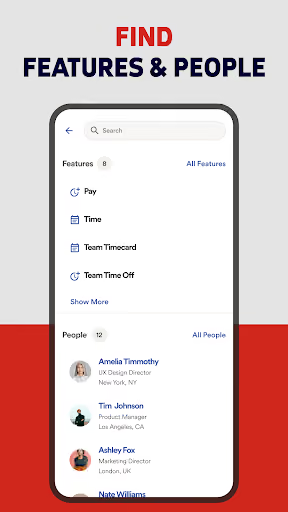
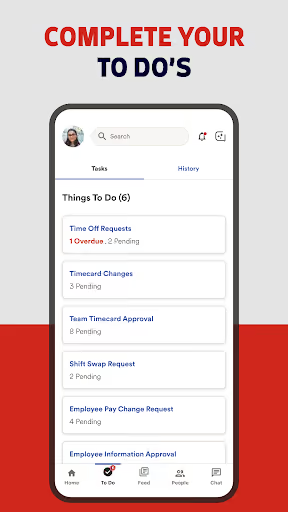
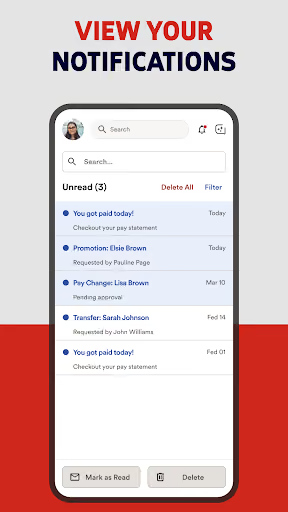
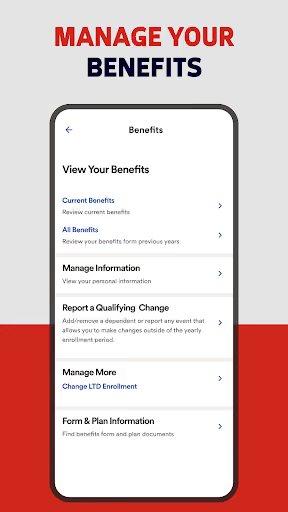
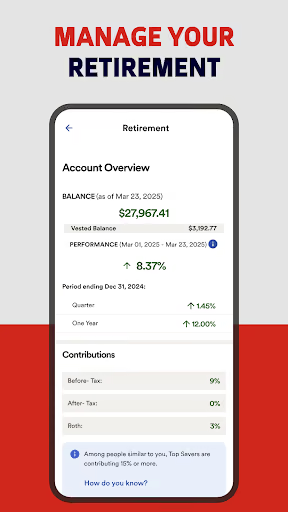
ADP Mobile Solutions is a free Android app for employees and managers at companies using ADP products, covering pay statements, W-2s, time and attendance, time-off requests, benefits, pay cards, team calendars, and manager approvals. It has a 4.5★ lifetime rating and 37,703,607 installs, but the listed reviews show a recent run of angry Android users describing basic work-critical tasks failing.
What it does
Employees use it to clock in and out, view pay and tax documents, request time off, and access HR information their employer exposes through ADP.
What changed
Reviewers repeatedly point to recent updates, especially around login, biometrics, quick clock, blank screens, buffering, and payslip download failures.
Why it is soft
Employees are forced users, not buyers. That creates frustration, but it also means a new app cannot win simply by being better unless it can work without employer adoption.
Strengths
This is not a dead app. ADP has the payroll relationships, secure server infrastructure, employer configuration, and compliance surface that a solo builder cannot casually reproduce. A few reviewers still say the app works when login and navigation behave, and even angry users confirm the core value: seeing pay information, clocking time, requesting leave, and handling work records in one place.
Distribution lock-in
Employers choose ADP; employees inherit it. That protects ADP even when employee sentiment is poor.
Broad feature surface
Payroll, tax documents, benefits, timekeeping, leave, dashboards, and approvals are bundled around ADP’s backend.
Massive installed habit
37,703,607 installs is real gravity; a new entrant would start with no employer trust and no employee data.
Market gap
The market gap is painful but awkward: users want a reliable way to prove time worked and retrieve pay records when ADP fails, yet most of the valuable data lives behind ADP and employer configuration.
Login, biometrics, and password resets
The most common complaint is being forced through repeated logins, forgotten usernames, broken fingerprint setup, delayed codes, or password reset loops.
Clock-in reliability
Many reviewers describe quick clock disappearing, hanging, requiring reinstall, failing to sync, or not recording punches that affect pay.
Paystub access and blank data
A recurring cluster is users logging in but seeing no pay information, blank pages, missing stubs, or PDF downloads that time out or crash.
Ads, AI, and support frustration
A smaller but sharp cluster resents offers, unwanted AI, and canned support replies when the basic payroll tasks are broken.
leaving for lunch yesterday and not one person in my shop could clock out in adp. updated the app and I still can't use it. every time I update I have problems which should not be happening on an app that's needed for payroll. seriously screws people up that have to use this to clock in and out...3 days later app still says unavailable with no update
You would think that all this money you're getting from all these inserted ads, you could make an app that wouldn't hang up while trying to clock in. I tried force closing and clearing the cache and the only way that I can log in each morning is restarting the phone. I don't have a weird phone, it's a flagship Google Pixel 10 Pro. Edit: It is not an HR problem. I'm able to log in with fingerprint just fine. it's the quick clock that is broken
My paystubs are nowhere to be seen, meanwhile the dumb AI nobody asked for can pull that info and paste it to me. theres also "deals" with random companies that keep getting pushed, and that's all the features on this failure of an app. The AI also takes 2 full minutes to copy and paste my paystub information.
- Do not build a full payroll system. The anger is real, but employers, not employees, control the ADP replacement decision.
- Build an offline punch ledger first. Let workers record clock-in, lunch, clock-out, location note, screenshot, and manager-ready export when ADP fails.
- Add a private paystub vault second. The clearest non-ADP wedge is helping users save, label, search, and share payslips once they can access or download them.
Build complexity
Estimated, not derived: one part-time solo developer, no funding, no team, and no paid acquisition. This assumes a companion app with no ADP login, no scraping, and no employer payroll integration, because those would be risky and unrealistic for a solo v1.
| Workstream | Weeks |
|---|---|
| Offline punch ledger, edit history, and exports | 2.5 |
| Paystub PDF/image vault and secure local storage | 2.0 |
| Reminders, backup, CSV/PDF sharing | 1.5 |
| Privacy UX, passcode/biometric gate, recovery flows | 1.5 |
| Play listing, billing, QA, support docs | 2.5 |
| Total | 10.0 |
Expected revenue
Estimated, not derived: the only plausible solo pricing is a small employee-paid subscription, because the app does not replace the employer’s ADP contract. The month-12 funnel assumes $2.99/month, organic discovery from frustrated ADP users, and no paid acquisition.
| Month 12, monthly | ||
|---|---|---|
| Installs | 1,500 | |
| Activated | 750 | 50% |
| Still on at 30d | 300 | 20% |
| Paid | 200 | $2.99/mo |
| Revenue | $600 |
Biggest challenges
The hardest part is not the Android UI; it is the missing right to be the system of record. Without employer buy-in or an ADP API, the app can only help users document problems, not actually clock them into payroll or retrieve missing pay data automatically.
No official integration
A solo builder should not ask for ADP credentials, scrape payroll pages, or imply official ADP connectivity.
Store trust and privacy
Users would store sensitive pay and work-hour records in a brand-new app with no review history.
Weak willingness to pay
These users already feel forced into ADP by work; many will resent paying personally for a workaround.
AI angle
There is a modest AI angle, but it does not change the core verdict. On-device OCR could extract dates, gross pay, net pay, and employer names from saved paystub PDFs or screenshots without hand-building templates for every employer layout. That helps the paystub-vault feature, but AI cannot fix ADP login, sync punches into payroll, or overcome employer lock-in.
Useful AI
Private OCR and search over documents the user manually imports.
Not useful AI
A chatbot that explains paystubs while the user still cannot clock in or download records.
Conclusion
Skip it. Build the companion only if you want a small, privacy-heavy utility business. The reviews expose a large reliability gap, but the buyer is the employer and the data sits inside ADP, so a solo builder cannot ship the thing users actually want: ADP, but working.
10 weeks
Time to v1
$2.99/mo
Employee-paid subscription
$600
Month-12 revenue
No ADP API
Deciding fact